A low chlorine test does not automatically mean the cell needs replacing. Gather the water results, equipment information, and alert details before deciding what comes next.
Document the symptom before changing anything
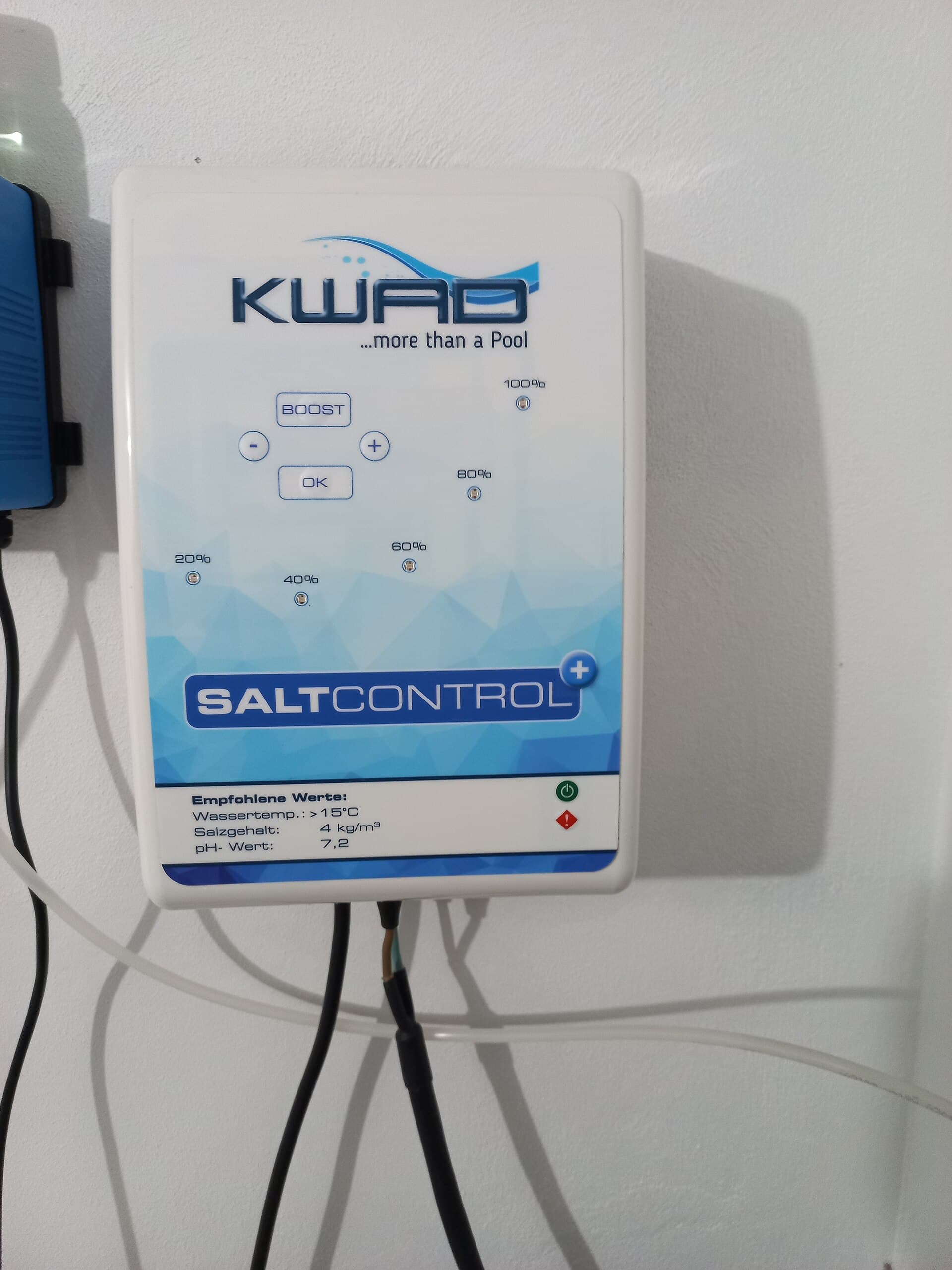
Photograph the control display, model label, and visible indicator lights. Note when the alert appears: continuously, at startup, or during a particular pump schedule. Include the last normal test result and any recent changes to the pool.
For example, a pool that began showing an alert after a schedule change needs a different conversation from one with a persistent warning and no recent adjustments. A short timeline helps avoid replacing parts before the operating conditions are understood.
Check the water and the operating context
Record measured free chlorine, pH, salt, and any other recent water-test results. Keep the output setting and pump schedule in separate fields. Include whether the pool has had a large group of swimmers, a refill, filter work, or an interruption in power.
If the water is unsuitable for swimming, keep the pool out of use until it has been assessed and corrected. A generator display is not a substitute for confirming the water condition. Do not use an output increase as evidence that the pool is ready.
Understand flow and temperature warnings
Pentair's guide for IntelliChlor IC15, IC20, IC40, and IC60 explains that inadequate flow prevents chlorine production and that cold-water protection can suspend operation. These protections are reasons to investigate the conditions, not to bypass a sensor.
Different generations and brands have different indicators and limits. Check the exact manual before interpreting a light, including whether you have a standard IntelliChlor, a newer variant, Jandy TruClear, or another system. Do not apply a temperature threshold or reset procedure from an unrelated model.
Source: Pentair: IntelliChlor IC15, IC20, IC40 and IC60 owner's guide.
Ask whether cleaning is actually indicated
Inspection should establish whether deposits are present and whether cleaning is appropriate. Repeated cleaning is not a diagnosis. Pentair's IntelliChlor guide warns that excessive acid washing can damage the blades; the model's procedure matters.
Have a qualified professional handle cell removal or chemical cleaning if you are unfamiliar with the required isolation and chemical precautions. Never scrape the cell with a metal tool, mix pool chemicals, or improvise an acid concentration from an online comment.
Source: Pentair: IntelliChlor IC15, IC20, IC40 and IC60 owner's guide.
Send a useful service request
Prepare a small set of information instead of a long list of attempted fixes: model, alert, test results, last cleaning date, and recent schedule or water changes. Add a clear photo of the equipment without opening electrical covers.
JB Pools can review a request for water care or an equipment check in Indio, Coachella, and the surrounding service area. Tell us what you have observed. The team will confirm the appropriate scope and whether additional diagnostic or repair work needs a separate arrangement.
- Exact cell and controller model
- Alert wording and when it occurs
- Water-test readings and test date
- Pump schedule and output setting
- Recent cleaning, refilling, or equipment work
Common questions
Does low chlorine mean I need a new salt cell?
No. A water test alone does not identify the cause. Review operating conditions, alerts, and the equipment's condition before making a replacement decision.
Can I keep adding salt until the warning clears?
Do not add salt blindly. Verify the actual concentration, the exact model's requirement, and the meaning of the warning before making an adjustment.
Ready for the next step?