Remote controls are useful when the equipment, schedules, and people caring for the pool are working from the same information. Here is what to keep in your Jandy pool care record.
Identify the system behind the app
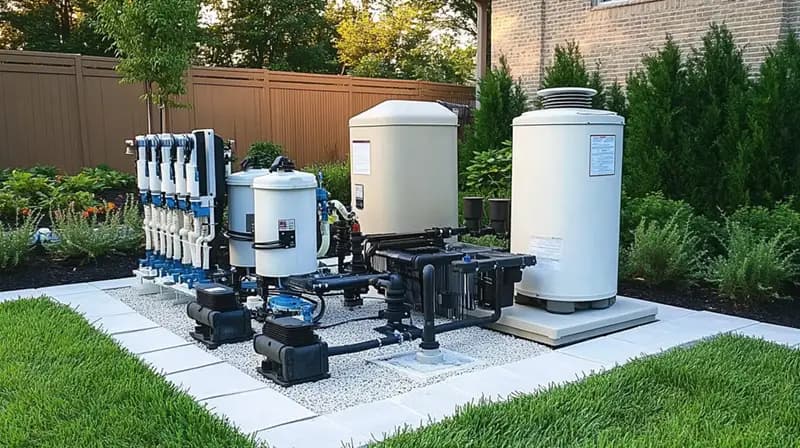
Record the AquaLink controller model, the iAquaLink connection device, and the equipment attached to the system. Jandy's support resources are organized by product generation, including iAquaLink 2.0 and 3.0. Instructions for one device should not be assumed to apply to every installation.
Keep a photo of the labels and links to the correct manuals in your pool folder. If a prior owner set up the system, arrange the appropriate account access through the supported process. Avoid sharing a personal password with everyone who visits the property.
Give each schedule a purpose
Create a plain-language record of what each programmed circuit does and why it runs. A name such as 'Pool filtration' is more useful during a service conversation than an unexplained auxiliary number. Have circuit names and the physical equipment verified by someone familiar with the installation.
Before changing a schedule, ask which other functions depend on it. A pool-and-spa system may involve circulation, heating, sanitizing, cleaning, and water features. Review the complete setup instead of treating every timer as an isolated convenience.
- Normal pool circulation schedule
- Spa use and return to normal pool operation
- Cleaner and water-feature schedules
- Which settings the homeowner may adjust
- Who reviews changes after equipment service
Distinguish an offline app from an equipment diagnosis
If remote control is unavailable, record the message and check whether the home's internet connection is working. Jandy's iAquaLink support explains the network connection used by the device. Follow the instructions for your generation when network details change.
An offline message alone does not establish whether the pump is running correctly. Arrange an on-site observation when needed. Avoid factory resets, rewiring, or repeatedly changing settings just to see whether the app reconnects; preserve the current configuration for troubleshooting.
Source: iAquaLink: 2.0 connectivity and local-control questions.
Keep physical pool care on the calendar
A phone screen can help you discuss settings, but it cannot brush the steps or show everything happening at the equipment pad. Keep a separate record of cleaning, test results, filter observations, and visible leaks or alerts.
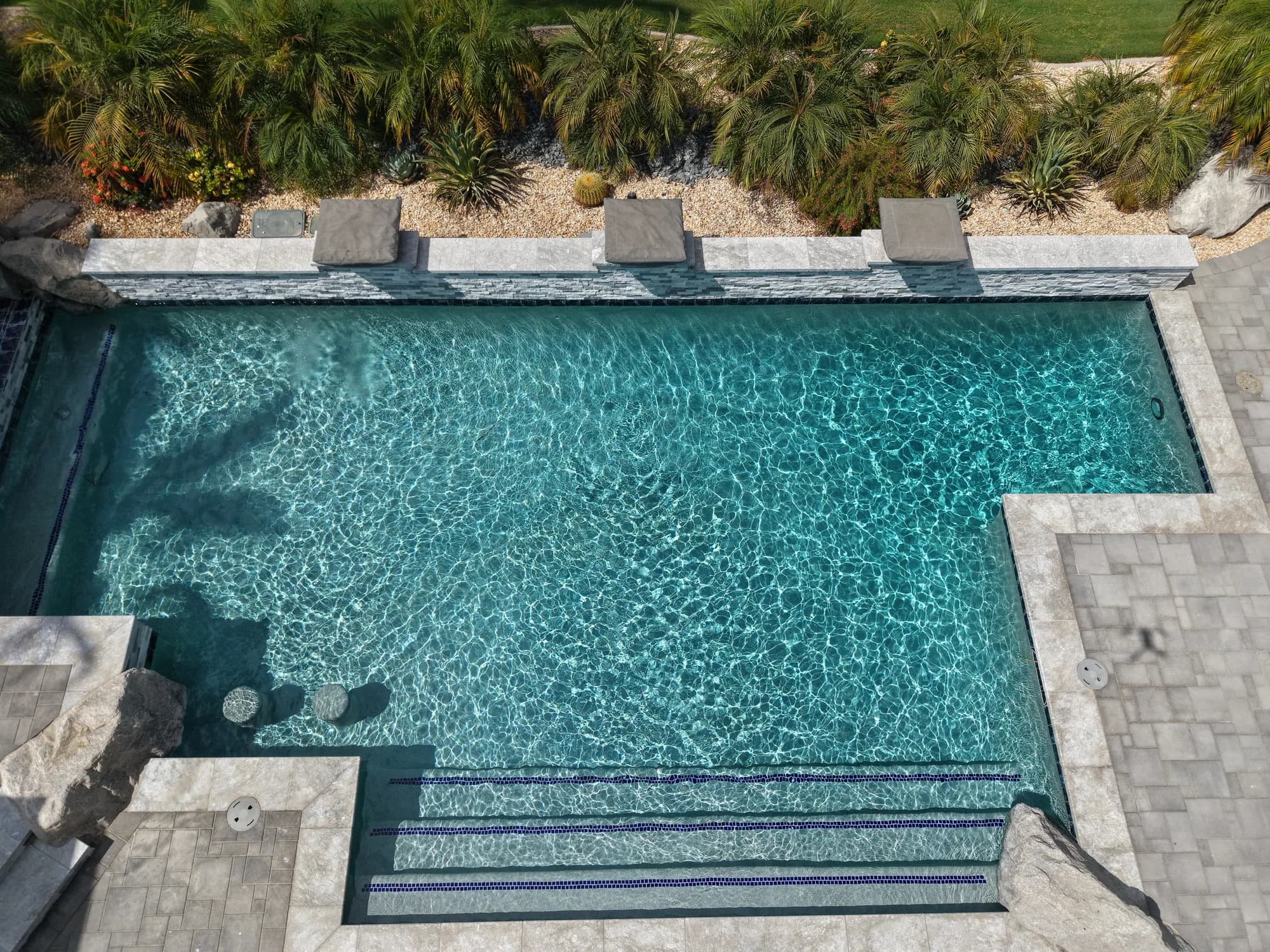
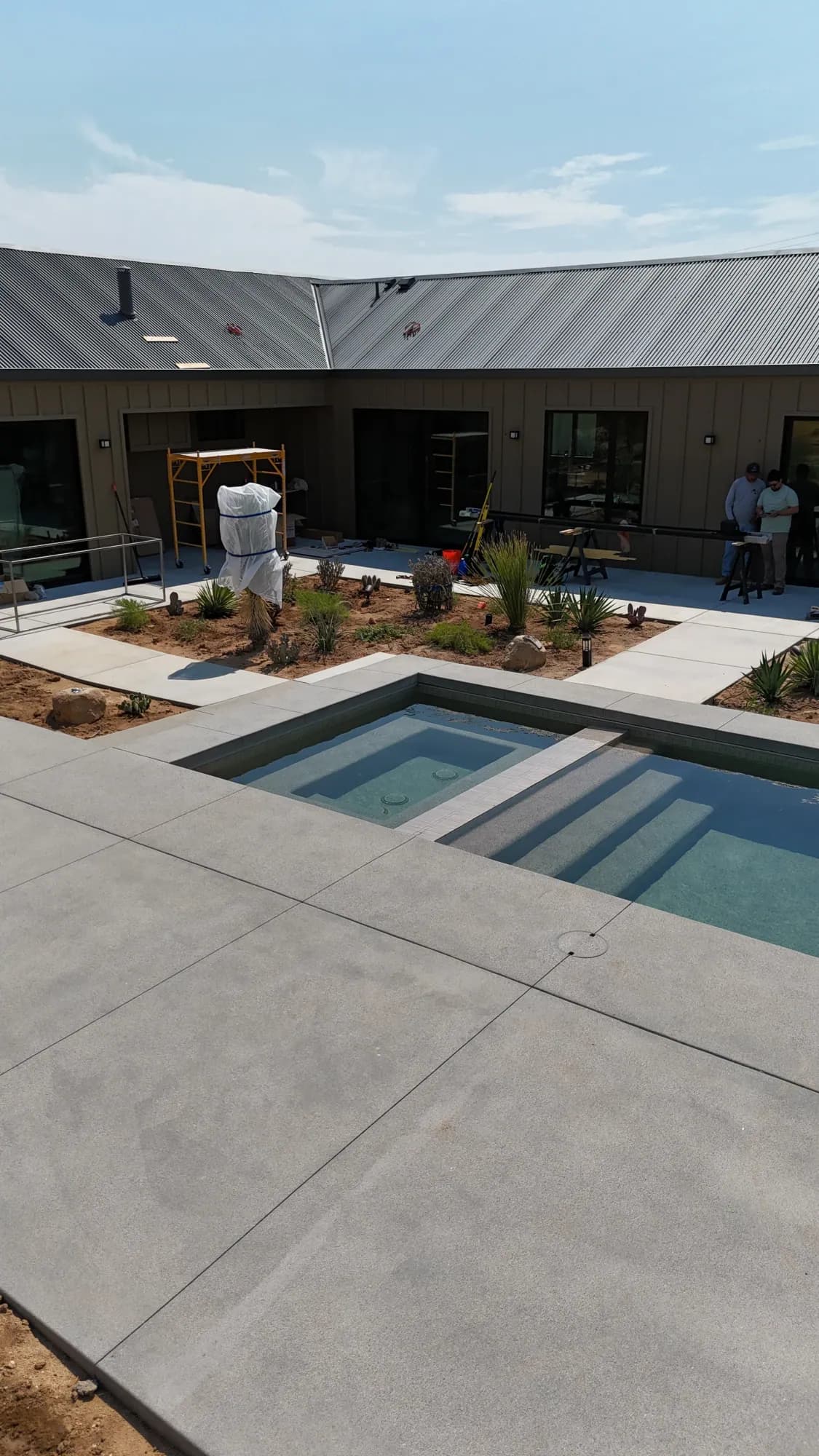
For a seasonal Palm Springs home, decide who checks the property when you are away and what they should report. A useful handoff includes access instructions, a service contact, and a request to photograph unusual conditions without adjusting unfamiliar equipment.
Prepare for an equipment-check conversation
Send JB Pools your city, controller and connection-device models, the concern, and any recent changes to the router or pool schedules. Screenshots are helpful when they exclude passwords and other private account details.
We can discuss routine maintenance and an equipment check for your pool. Compatibility, programming changes, repairs, and any additional work must be reviewed for the actual installation.
Common questions
Does iAquaLink automatically test my pool water?
Do not assume that app access includes water-testing equipment. Available measurements depend on what is installed and supported. Keep a separate water-testing routine.
What should I save before asking about an iAquaLink issue?
Save the model numbers, the exact message, the time of the issue, and any recent network or schedule change. Share screenshots without account credentials.
Ready for the next step?